Community in the Skies
A modpack based on Sky Factory that can also be played without a skyblock world. Built for community play — get together with friends and enjoy modded Minecraft.
Installation
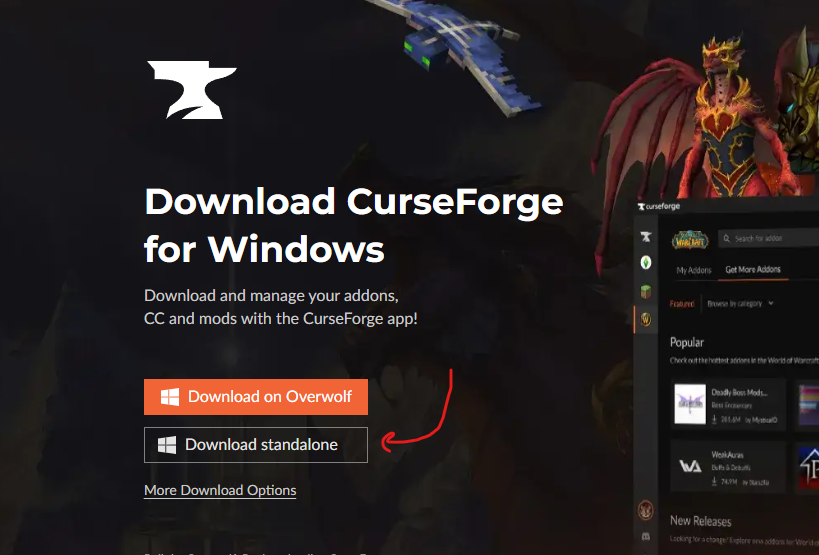
Download and install CurseForge (use the standalone version).
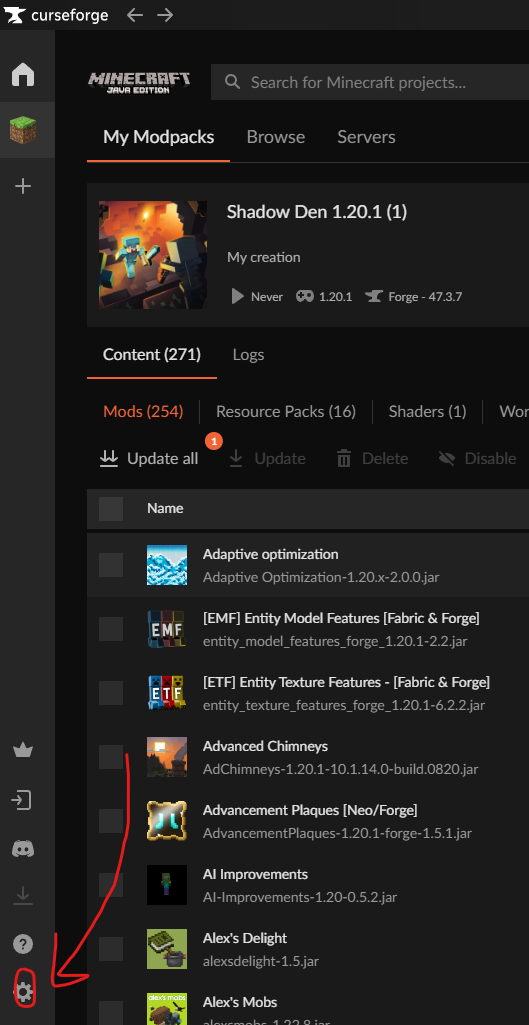
Open CurseForge settings (gear icon, bottom left).
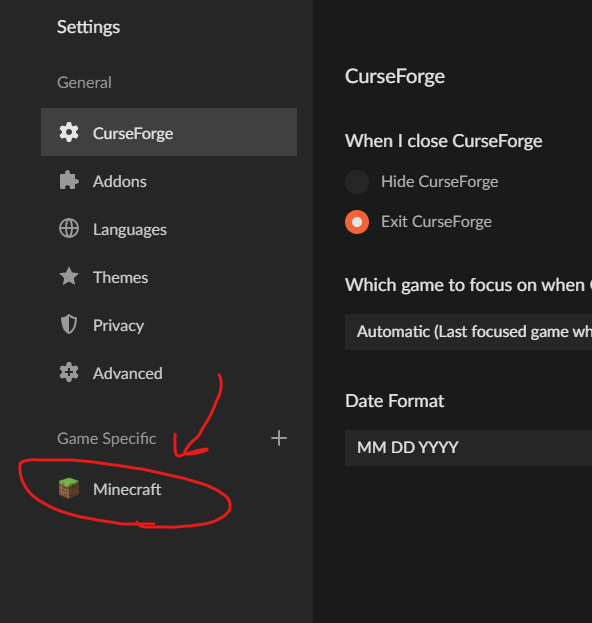
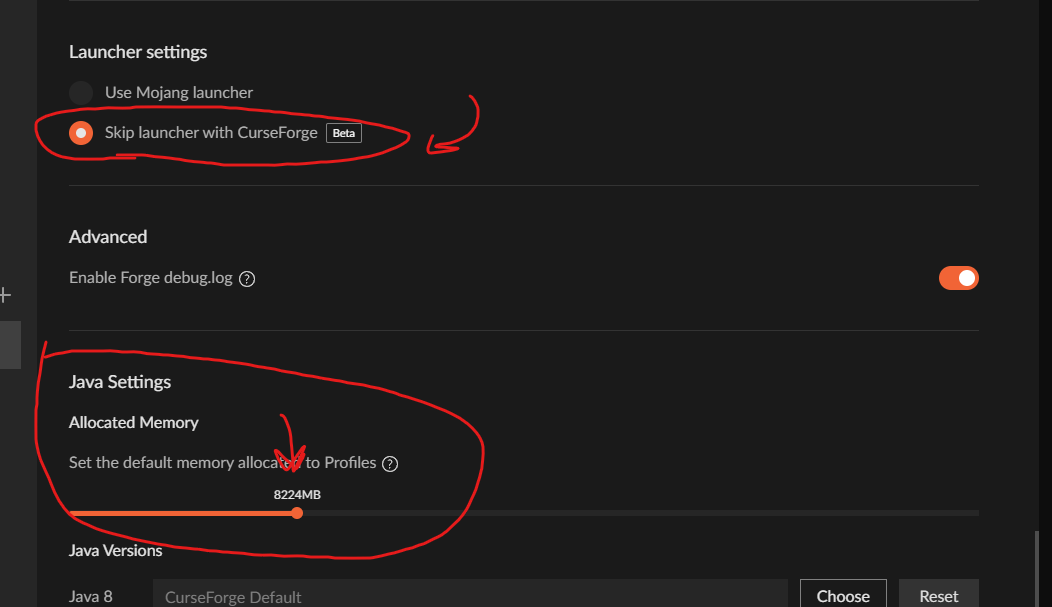
Configure Java memory allocation (recommended: at least 6 GB).
Go to Browse, search for MrDrak, and install Community in the Skies.
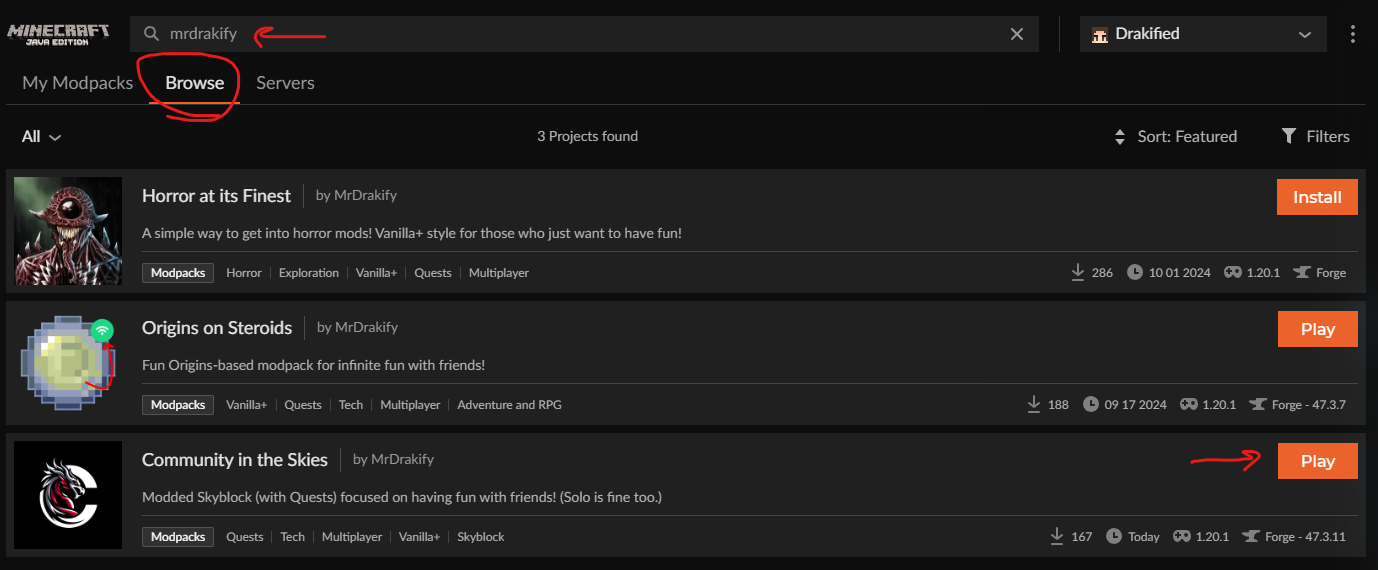
Let it install, then play.
Public Server
Server Status
The public server is currently down while modpack updates are in progress.
- Address:
skies.plas.host - Keep your modpack updated to play on the server.
- Join the Discord for server updates.
Server Rules
- No exploiting bugs or glitches.
- No raiding or griefing other players' bases.
- No unwanted PVP — don't kill players who don't want to fight (unless they're trespassing at your base).
- Claim your base, but don't over-claim. Oversized claims will be shrunk.
- No lag machines. Modded servers are already resource-intensive — be respectful.
- Attempts to crash the server result in a ban.
- Use common sense. Additional unwritten rules may be enforced as needed.